Technical Details
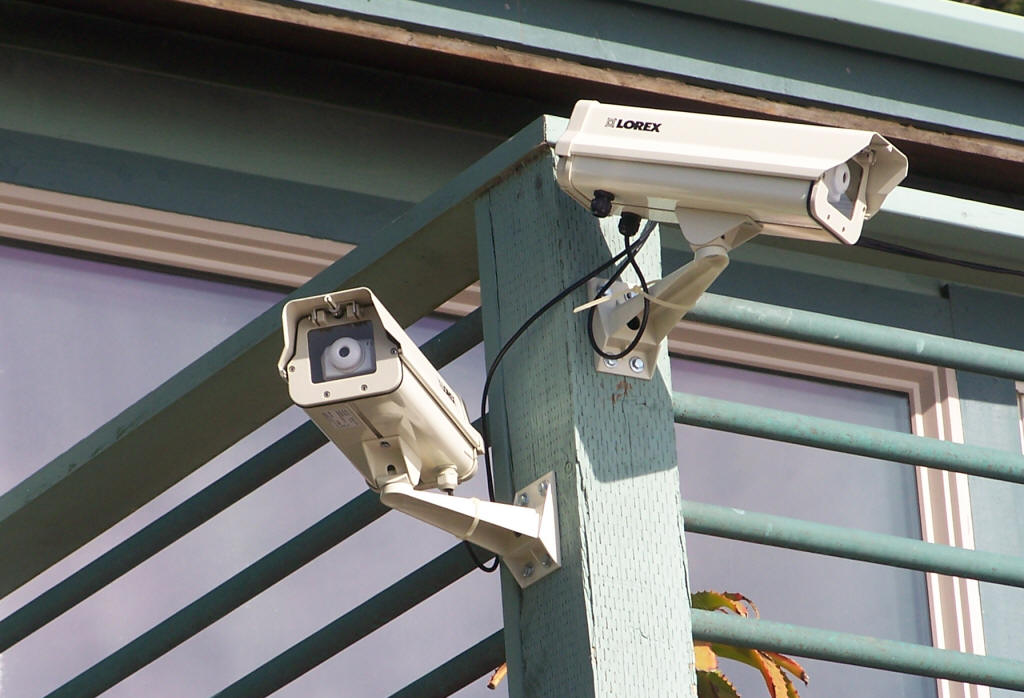
Two of the cams at the
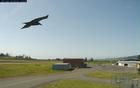
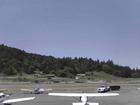
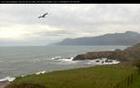
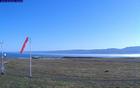
Inn of the Lost Coast in Shelter CoveThese installations may look similar to a security system because they use the same type of infrastructure, but the images from these cameras are web-based, not stored or viewed locally. Each camera takes a snapshot on a predetermined schedule and uploads that image to the cloud, making it available to the world without compromising the security of your local network or overloading the connection with your ISP for image demands.
There is no need for an on-site computer or server because the software inside each IP camera does all of the work. The camera's only requirements are electrical power and internet access. The Ethernet cable from the camera connects directly to a switch or router on the local network.
No internet? No power? Not a problem. Even a pole in the middle of a field could work as a stand-alone installation using a wireless ISP (or cell tower) and a battery/solar panel power supply.
Each camera can be adjusted to its unique vantage point, and multiple cameras ensure 360° coverage. Want something more exotic? We do that, too.
Security and Your Network
How secure is this? How do people get the pictures from our cameras?
They don't. The images come from one of our web servers. Each camera take a snapshot on its predetermined schedule and then uploads that image to a server where it is made available to the world. Those web servers respond to the image requests so as not to impact your bandwidth. Images show up in the viewer's browser 30 seconds after they are taken.
What kind of equipment will be connected to our network and why is this necessary?
We place the cam network gear out of your way yet accessible. This over-the-door shelf holds a router, a PoE switch which powers the cameras, and a power
supply for the fans and heaters in the camera housings.We would like to be able to communicate with the cameras to
monitor their performance and make changes in
their settings. We could simply open the camera ports in your primary router, but that could be a security issue on a
sensitive network and we much prefer the cameras to live in their own little segmented subnet.
Typically the network equipment includes a router
with custom firmware and a PoE switch which powers the cameras. These are set up on a separate address of your network and
behind your primary router, to ensure that your network traffic remains private.
This is not an absolute requirement, but if we can not get access to the cameras when there are adjustments to be made then someone at your local network would have to do that for us.
See that extension cord in the picture on the left? Unplug that and the camera network shuts down and disappears without affecting your
primary network. Plug it back in and it reboots and starts up again.
What will this do to our limited bandwidth?
One camera, uploading a new image every 30 seconds from dawn to dusk, consumes an average of 30MB of traffic per day during the longest days of the summer. That can be cut in half by uploading an image only once per minute, and can be curt even further by less frequent image updates. Bandwidth stays the same no matter how many viewers are seeing your pictures.
What is your monthly fee?
There isn't any. You pay only for the initial equipment and the installation. In 2011 a low-resolution cam typically is below $500 installed in the local area.
What happens when something breaks?
We want to see the pictures as badly as you do and will work with you to get it fixed. The manufacturers warranty their products.
How do people know I have a camera and want to share my pictures?
If OK with you, we promote the heck out of these pictures and place lots of links to them. If you own a business, this is an excellent advertising aid.
What if we don't want this anymore, or find out it's part of a blandly evil plot to disrupt the ionic stronosphere and disable the vibrational matrix of the sublingual plane?
Oops, you found us out. Pull that plug. Close that camera port range on your router or just power off or disconnect the camera router.
How do we contact you?
We're easy. Our contact email is at the bottom of every page on this web site.
Contact person for this website: sunnyfortuna@gmail.commore cams